
 US(USD)
Racing Simulator Maintenance Guide
- Apr.17, 2026 00:00:00
- 0 Comments
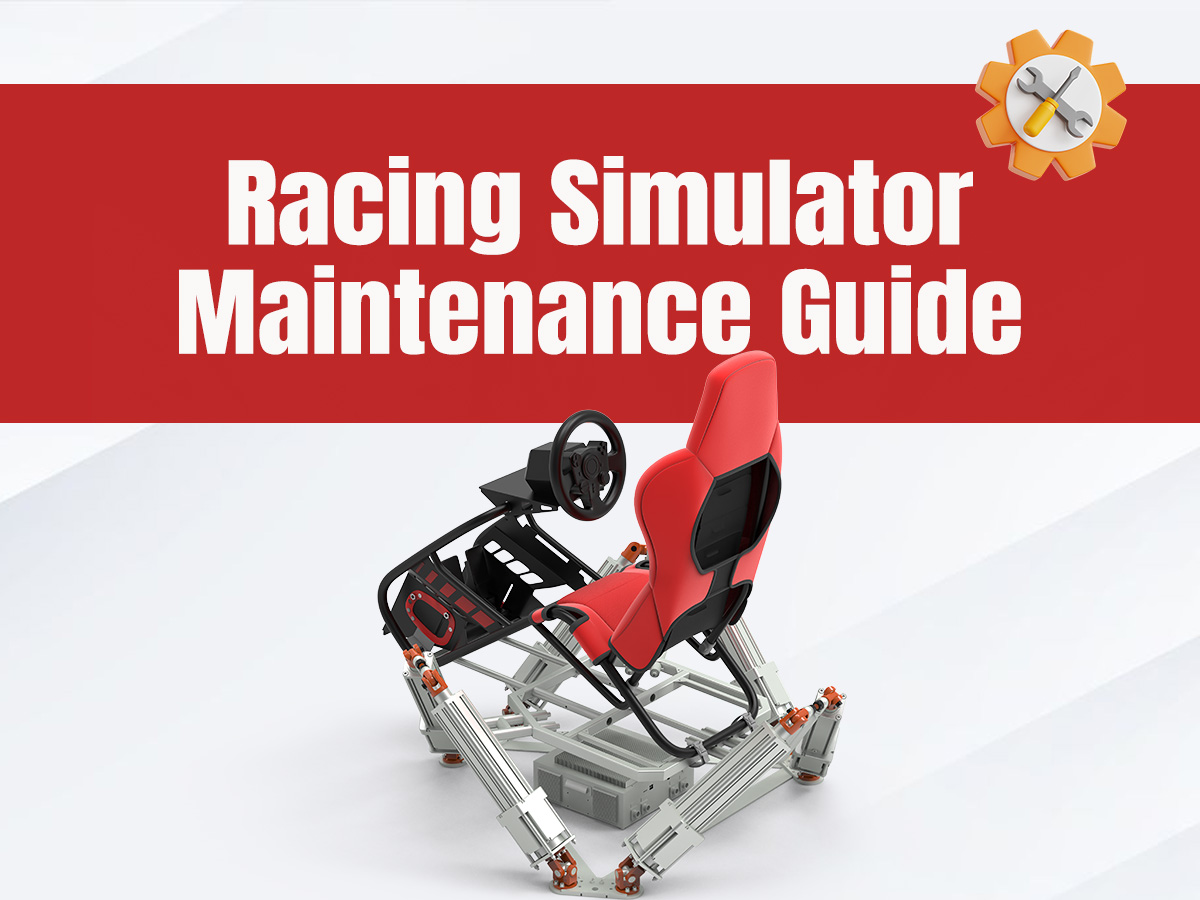
As a high-precision simulation device, the stable operation of a racing simulator is inseparable from scientific and standardized maintenance. Reasonable maintenance can not only extend the service life of the equipment, reduce the incidence of failures, but also maintain operational accuracy and ensure an immersive racing experience. The following is a set of simple and easy-to-operate maintenance points, suitable for home and entry-level simulators, with the total number of words controlled at around 600.
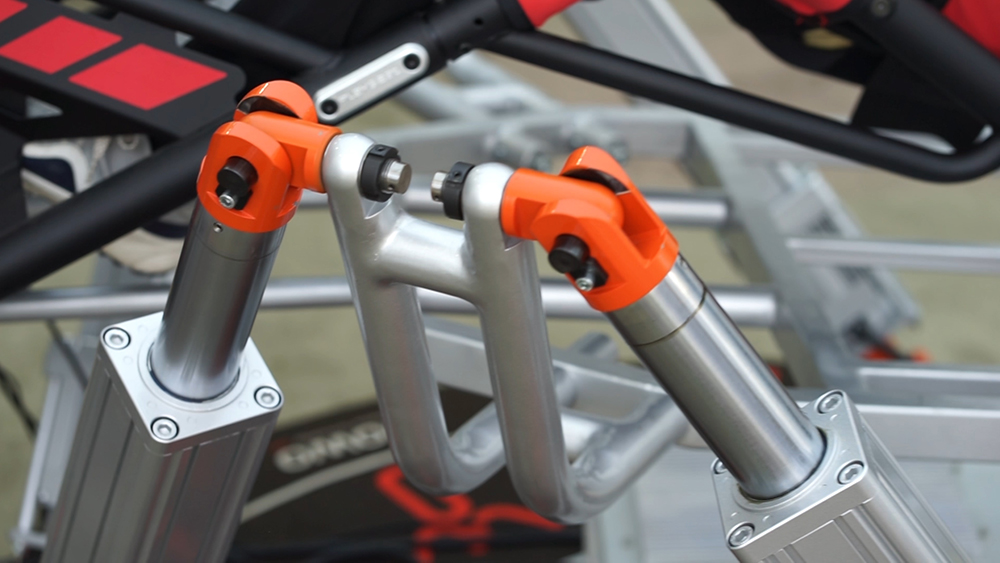
Daily cleaning is the foundation, and the principle of "dust removal first, then wiping" should be adhered to. Dust is an "invisible killer" of the simulator, which will accumulate on sensors and heat sinks, accelerating component wear. After each use, clean the steering wheel, pedals and base from top to bottom with a soft brush and microfiber cloth, and gently blow the interfaces and heat sinks with a compressed air can to avoid dust entering the internal circuit. For suede steering wheels, you can use them with gloves or wrap them with hand tape regularly to prevent sweat erosion; the stains on the pedal surface can be wiped with a damp soft cloth, and direct flushing with water should be avoided to prevent short circuits.
Regular inspection of core components is necessary, focusing on connection and wear conditions. Check the steering damping and key sensitivity of the steering wheel; if there is jamming or abnormal noise, timely check the fixing screws and internal bearings, and add a small amount of special lubricating oil; check the spring elasticity and stroke of the pedals, and replace them in time if they are severely worn to avoid affecting the pedaling feedback. Regularly plug and unplug the interfaces for cleaning to prevent poor contact; avoid bending or pulling the data cable, and organize and store it when not in use to reduce the risk of damage.
Software and environment maintenance should not be ignored. Regularly update the simulator driver and related software, clean up cache garbage to avoid program lag affecting use; the placement environment should be away from humid and high-temperature areas, and avoid direct sunlight to prevent equipment aging and circuit dampness. When not in use for a long time, disconnect the power supply, cover the entire machine with a dust cover, and turn it on for 10 minutes every month to maintain component activity.
Maintenance should follow the principle of "handle with care and regular maintenance", avoid violent operation, stop the machine for inspection in time when a fault is found, and do not disassemble internal components without authorization. Doing the above points well can not only extend the service life of the simulator, but also always maintain a good operating feel, making every racing experience stable and smooth.